Pro feature
Open a popup when visitors click something on your page – a button, a link, an image or a menu item. Just enter a CSS selector in the popup’s settings.
Everything below opens a popup – none of these elements needed any custom code:
A plain text link inside a paragraph opens the coupon popup.
The Contact item in the menu at the top opens the contact form.

open-offer (in Elementor: Advanced → CSS Classes; in menus: Appearance → Menus → CSS Classes)..open-offer as the click trigger.Click triggers and scheduling are part of Simple Popup Everywhere Pro.

Live demo
This popup shows on every page, 6 seconds after you arrive – but only once a day per visitor. That’s the “Through website” position with “Once per visitor” frequency.

No page builder needed: this popup uses core blocks – columns, an image, a list and buttons – and the plugin's own popup settings.
Get early access to new collections, workshops and behind-the-scenes stories from the studio.
Only 50 pieces of our hand-carved serving board will be made this year:

Ten simple tips to keep wooden kitchenware looking great for years.
Orders over €50 ship free within the EU. No code needed – the discount is applied at checkout.

Scheduling
It only shows between 1 October 2026 and 31 December 2027. Outside that window the plugin simply doesn’t output it – no code changes needed.
Lookbook
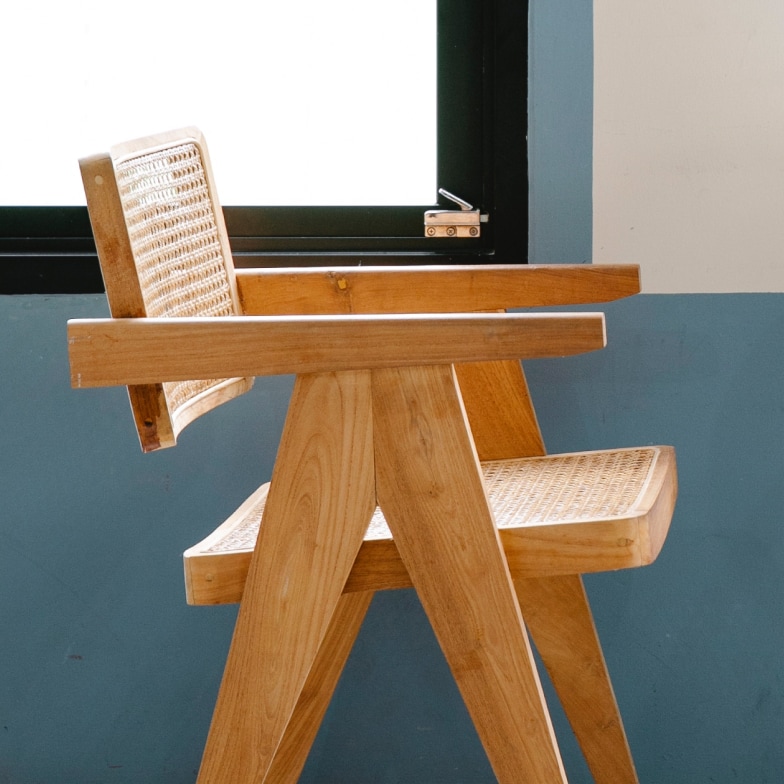
Warm woods, simple shapes. A few favourites from this season.




This demo shows an age check: there is no close button and clicking outside does nothing – visitors have to choose.

Announcement

New arrival
A set of three nesting bowls, turned by hand from a single piece of acacia wood.
Contact
Questions about an order or a custom piece? Send us a message and we’ll reply within one business day.
Flash sale
Use this code at checkout. Ends Sunday at midnight.
Demo code – it won’t work in a real shop.

Newsletter
Join our newsletter for new arrivals, care tips and members-only offers. Your discount code arrives right away.
No spam – unsubscribe anytime. Demo form: nothing is sent.